
Printing Nylon (PA) and PA-CF at Home: Requirements Checklist
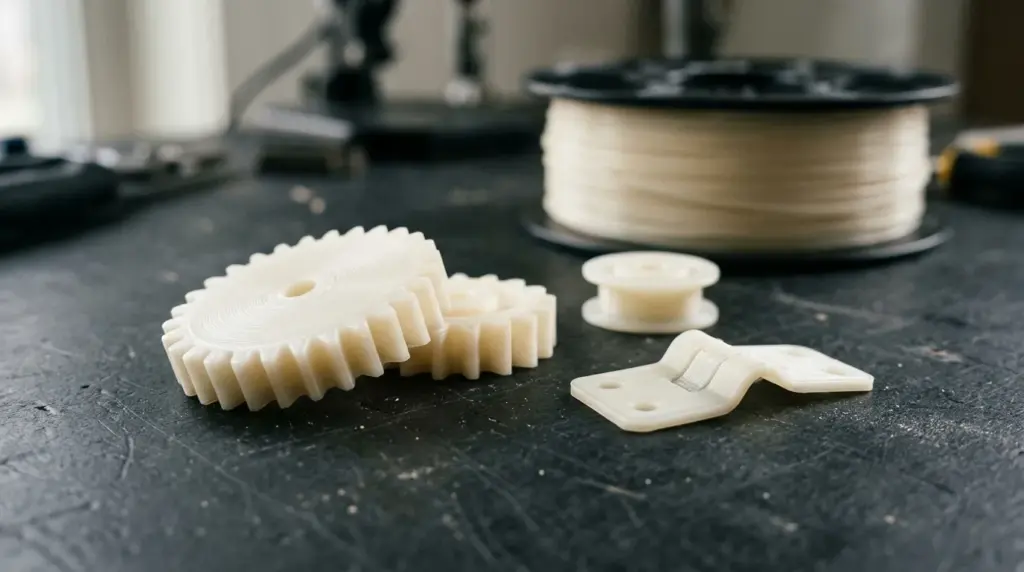
Nylon (PA) is one of the most useful engineering materials you can print at home: tough, wear resistant and good for gears, hinges, clips and tool parts. It is also the material that most often fails for reasons that have nothing to do with slicer settings. Before buying a spool of PA or PA-CF, run through this checklist. Each point is a requirement that decides whether nylon is realistic on your printer.
Checklist at a glance
- Nozzle can reach the filament’s required temperature (often 260–300 °C).
- Hardened nozzle installed for PA-CF and PA-GF.
- Enclosure available (strongly recommended; important for larger parts).
- Suitable build surface and bed temperature.
- A way to dry the filament and keep it dry while printing.
- Manufacturer approval for the material on your model.
1. Nozzle temperature
Nylon formulations vary widely. Some lower-temperature blends print around 250 °C, while many PA6, PA12 and carbon-fiber nylons need 270–300 °C. Check the spool’s datasheet, then check the printer’s maximum hotend temperature. A hotend that tops out at 260 °C rules out a large share of nylon products.
Hotend construction matters too: older designs with a PTFE tube reaching into the hot zone are not meant for these temperatures. Current all-metal hotends are.
2. Hardened nozzle for composites
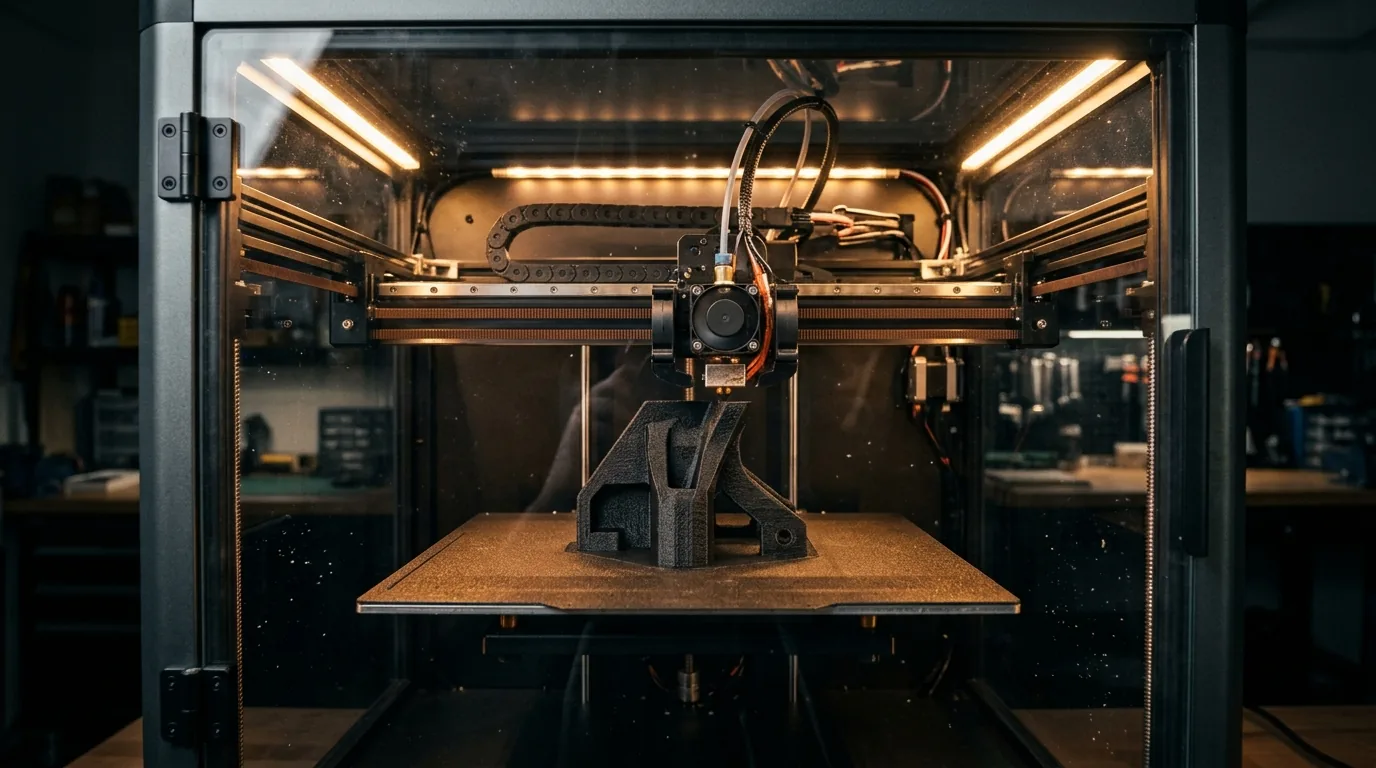
Plain nylon is not abrasive, but PA-CF and PA-GF are, and they wear brass nozzles quickly. If you plan to print the composite versions, a hardened steel (or similar) nozzle is a requirement, not an option. Details in our guide on hardened nozzles for carbon fiber.
3. Enclosure
Nylon shrinks as it cools and warps on large flat parts, a lot like ABS. An enclosure keeps the air around the part warm and stable and makes a large difference to layer bonding. Small parts can work on open printers in a warm room; larger or structural parts benefit clearly from an enclosed machine, and printers with actively heated chambers handle nylon best.
Compare Bambu Lab A1 with PA / Nylon (open frame) with Bambu Lab X1 Carbon with PA / Nylon and QIDI Tech X-Max 3 with PA / Nylon (enclosed).
4. Bed adhesion
Nylon is known for poor adhesion to many surfaces and for warping off the plate. Common solutions are a textured PEI or engineering plate recommended by the printer maker, a thin layer of glue stick, a bed temperature in the range the filament maker gives (often 70–100 °C), and a brim on parts with corners. Avoid aggressive part cooling.
5. Drying: the step people skip
Nylon absorbs moisture faster than almost any other common filament. A spool can pick up enough water to print badly within hours in a humid room. Wet nylon pops, strings, foams on the surface and produces weak parts.
- Dry before printing, typically 70–90 °C for 8–12 hours, or as stated on the spool.
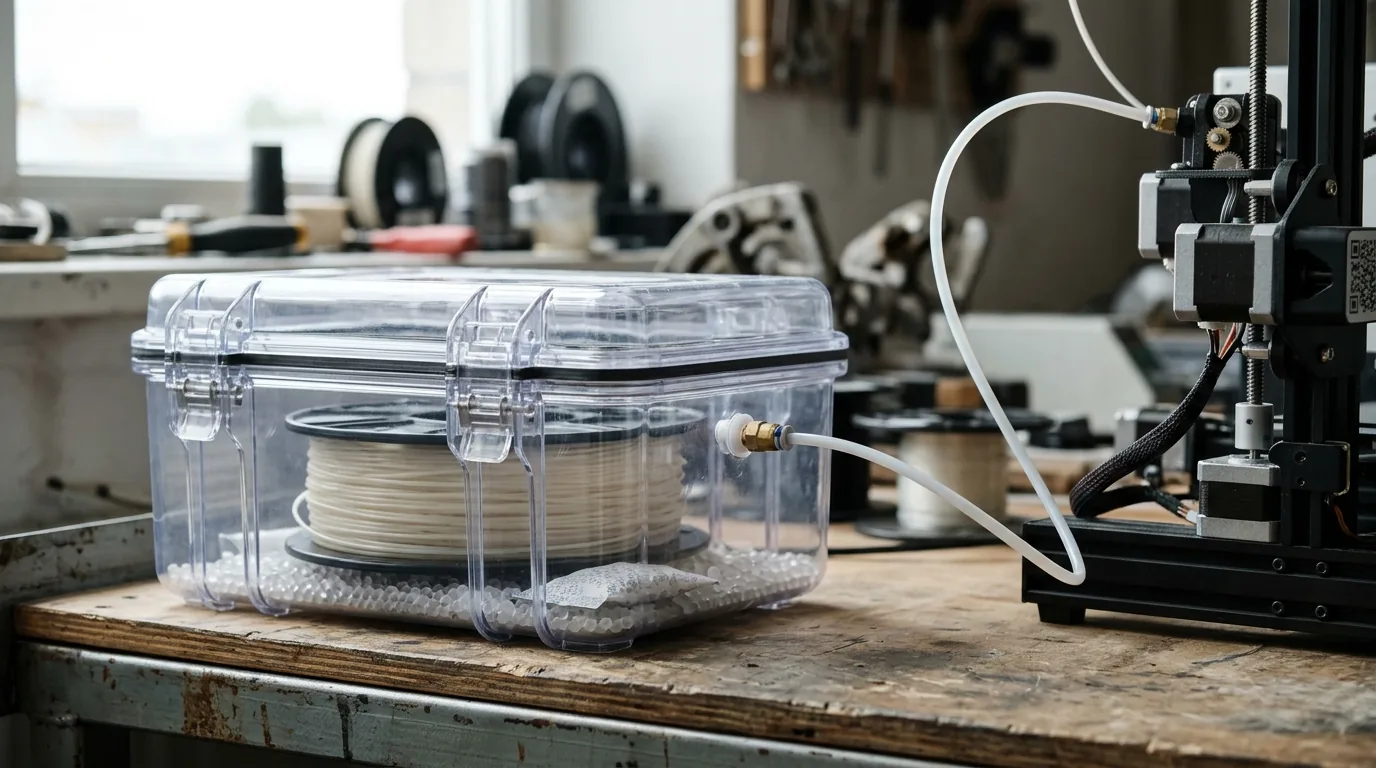
- Print directly from a dryer or a sealed dry box with desiccant.
- Store unused filament sealed with fresh desiccant.
Full methods and a temperature table are in how to dry 3D printer filament.
6. Manufacturer guidance for your model
Some manufacturers list nylon as supported only with certain hardware (for example a hardened nozzle or a specific plate), or recommend against it on particular models. That guidance is a strong signal, because it reflects the hotend, cooling and frame design. Each result in the database records the official source reviewed, for example Creality K2 Plus with PA-CF, Prusa XL with PA-CF and ELEGOO Centauri 2 with PA-CF.
PA or PA-CF?
Unfilled nylon is tougher and slightly flexible, which suits hinges, clips and parts that must absorb impacts. PA-CF is much stiffer, more dimensionally stable and tends to warp less, which makes it easier to print accurately and better for rigid brackets and fixtures. It is also abrasive and more brittle in impact. Choose by what the part must do, then confirm the printer covers that version.
After printing
Freshly printed nylon is at its driest and stiffest. It will take on some moisture from the air over the following days and become slightly tougher and more flexible. This is normal. For dimensionally critical parts, measure after the part has settled rather than straight off the bed.
Safety
Printing at 270–300 °C produces fumes and particles. Use the printer’s filter if it has one, ventilate the room, and follow both the printer and filament manufacturers’ safety instructions.
Check before you buy the spool
Use the compatibility checker to see your printer’s result for PA / Nylon and PA-CF, including nozzle, enclosure and drying requirements in one place. Manufacturer material notes, such as the Prusa material guide, are worth reading alongside it.